Playlists
What it is
Create and edit server playlists, and experimentally import or transfer playlists through Tag My Audio.
How to use
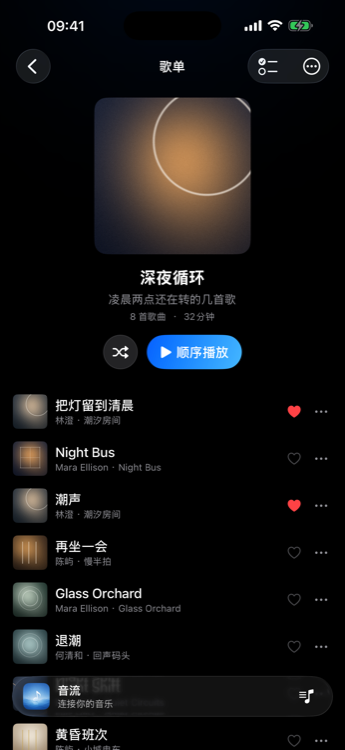
- Create a playlist from the playlists menu; add songs from a track’s action menu.
- Rename or reorder where the server allows edits.
- Use Save as Playlist from the queue when offered.
- Cross-server transfer currently uses Tag My Audio workflows.
Membership / platform
Playlist create/edit follows server permissions (not a membership feature by itself). TV / CarPlay do not offer file export. Cross-server transfer is available only through Tag My Audio and remains experimental.