Player, queue, and sound
What it is
From the player bar and full player you can control playback, the queue, and audio quality, open the equalizer, ReplayGain, and sleep timer, and cast to a DLNA device (membership).
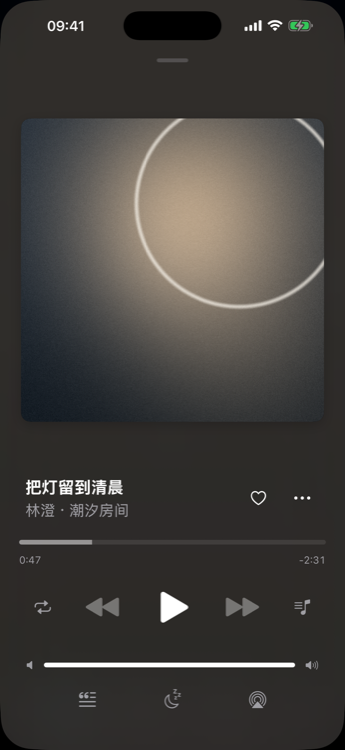
How to use
- Start a song, then open the full player from the playback bar.
- Build order with Play Next / Add to Queue; starting another list may replace the queue.
- Choose online quality: lossless or 320 / 256 / 192 / 128 kbps transcode (server permitting).
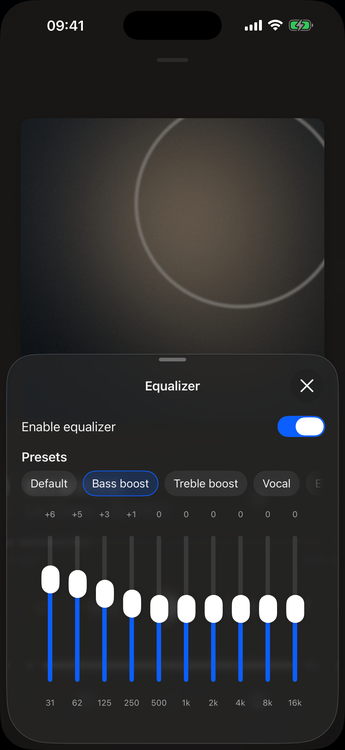
- Open equalizer / ReplayGain / music roaming from the player menu or settings where shown.
- Set a sleep timer (optionally finish the current track first).
Sleep timer
Use the sleep timer when you want playback to stop after a set time, or after the current track ends. It is available from the player controls on supported clients.
DLNA casting
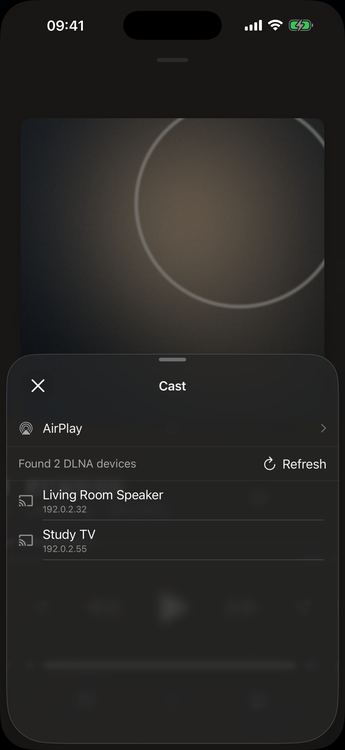
DLNA requires membership. From the playback bar, open Cast, refresh the device list, pick a DLNA device on your LAN, then switch back to local output when you are done. Equalizer is unavailable while casting. Web has no DLNA.
Membership / platform
| Feature | Access |
|---|---|
| Basic playback, queue, sleep timer | Free |
| DLNA | Membership |
| Equalizer, ReplayGain, music roaming | Membership |
| Desktop mini player | Membership (macOS / Windows) |