Appearance
What it is
Light/dark appearance, accent color, transparent theme, vinyl cover, and player background options.
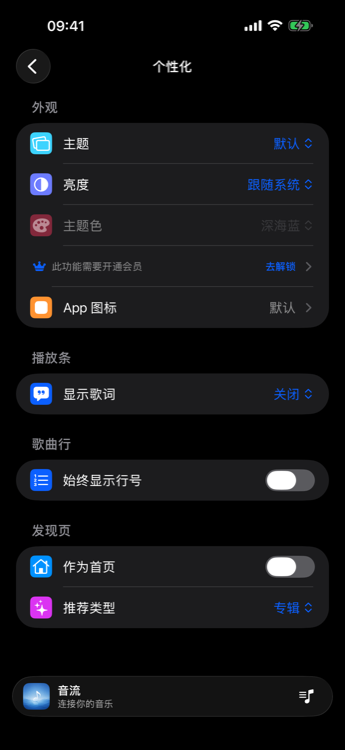
How to use
- Open Settings → Personalization (or Appearance).
- Pick appearance mode and accent color.
- Enable vinyl cover or dynamic player background from player preferences / personalization.
- Transparent theme (and custom background) where the OS supports it.
Membership / platform
Accent color, transparent theme, vinyl cover, and (on mobile/TV) dynamic player background are membership benefits. On desktop, dynamic player background is free. App icon switching is iOS only.