Lyrics
What it is
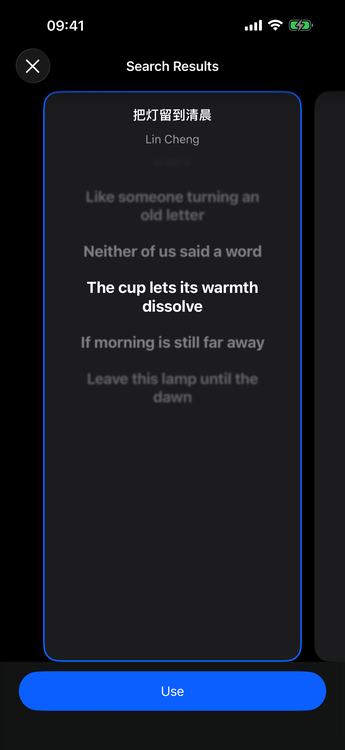
Lyrics can come from the file, the server, or a custom API. When timing is available, lyrics highlight word by word as the song plays. Musiver also supports immersive lyrics, plus desktop, floating, status bar, and picture-in-picture display modes, and built-in lyric search.
How to use
- Open the full player to view lyrics when available.
- Use lyric search from the player menu; preview a candidate and apply it (saved locally).
- Adjust font and alignment in player Preferences → Lyrics.
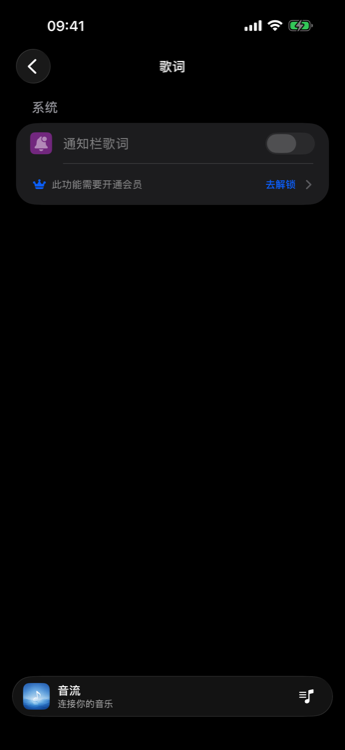
- Enable platform overlays (notification, status bar, floating, PiP) where your client offers them.

Membership / platform
Viewing and searching lyrics in the player, and player bar lyrics, are free. Immersive, notification, status bar, floating, and PiP lyrics require membership per plans.