Connect and play
- Open Musiver and accept the privacy notice when prompted.
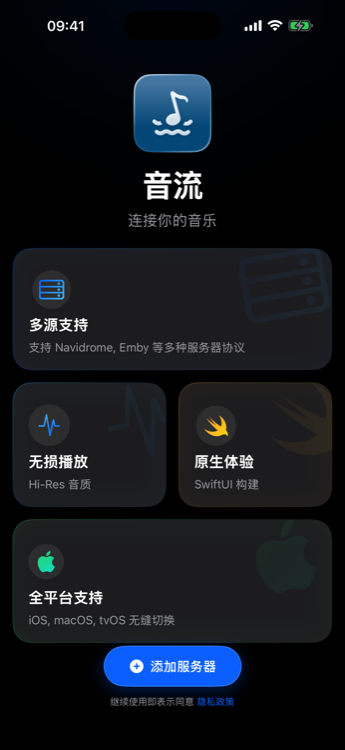
- Choose Add Server.
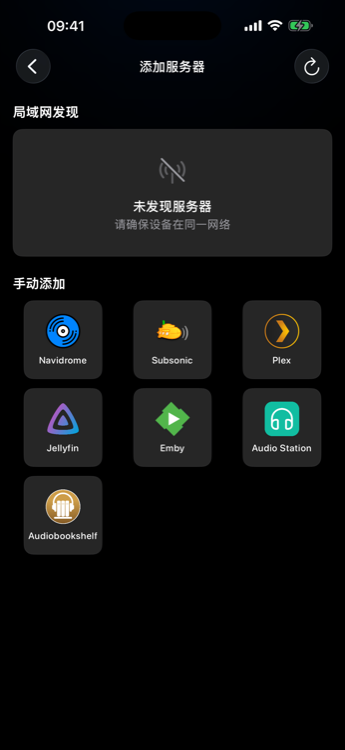
- Select the actual server type (for Navidrome, pick Navidrome even though it speaks Subsonic).
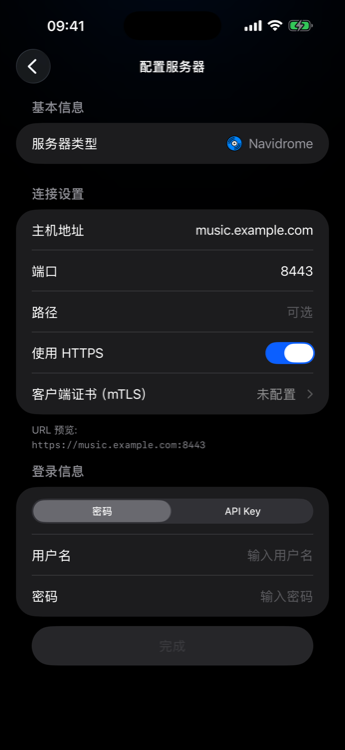
- Enter address and credentials (or complete Plex browser OAuth).
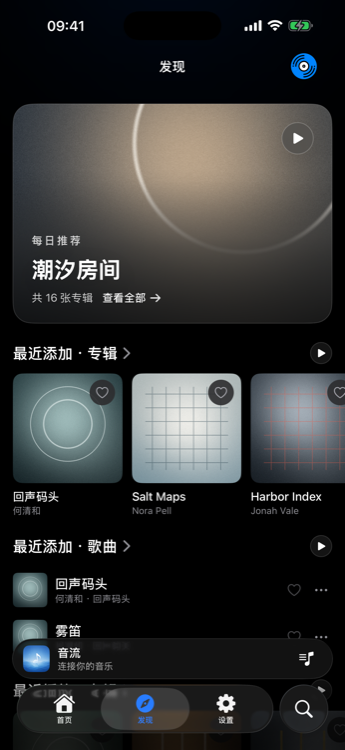
- Pick the library, open Discover or an album list, and play a track.
Server-specific notes: Servers. If sign-in fails: connection help. If audio will not start: playback help.